How to Pay for Your Laptop with M-Pesa: A Step-by-Step Guide
Paying for a laptop with M-Pesa is fast, safe and convenient — if you know the right steps. Here is exactly how to do it on the Fahavi Computers website.
On this page
M-Pesa has changed the way Kenyans shop online. You no longer need a credit card or a trip to the bank to buy a laptop, printer or accessory — you can pay directly from your phone in under a minute. At Fahavi Computers, M-Pesa is by far our most popular payment method, and we have refined the process to make it as smooth as possible. Here is exactly how it works in 2026.
Step 1: Add your items to the cart
Browse our shop, choose your laptop or accessories and click Add to Cart. You can keep shopping or click the cart icon at the top right when you are ready. Review the quantities and the total, then click Checkout.
Step 2: Enter your delivery details
On the checkout page you will be asked for your full name, phone number (in the +254 format), email and delivery address. If you are in Nairobi CBD, your order qualifies for same-day delivery on weekdays for orders placed before 2 PM.
Step 3: Choose M-Pesa STK Push
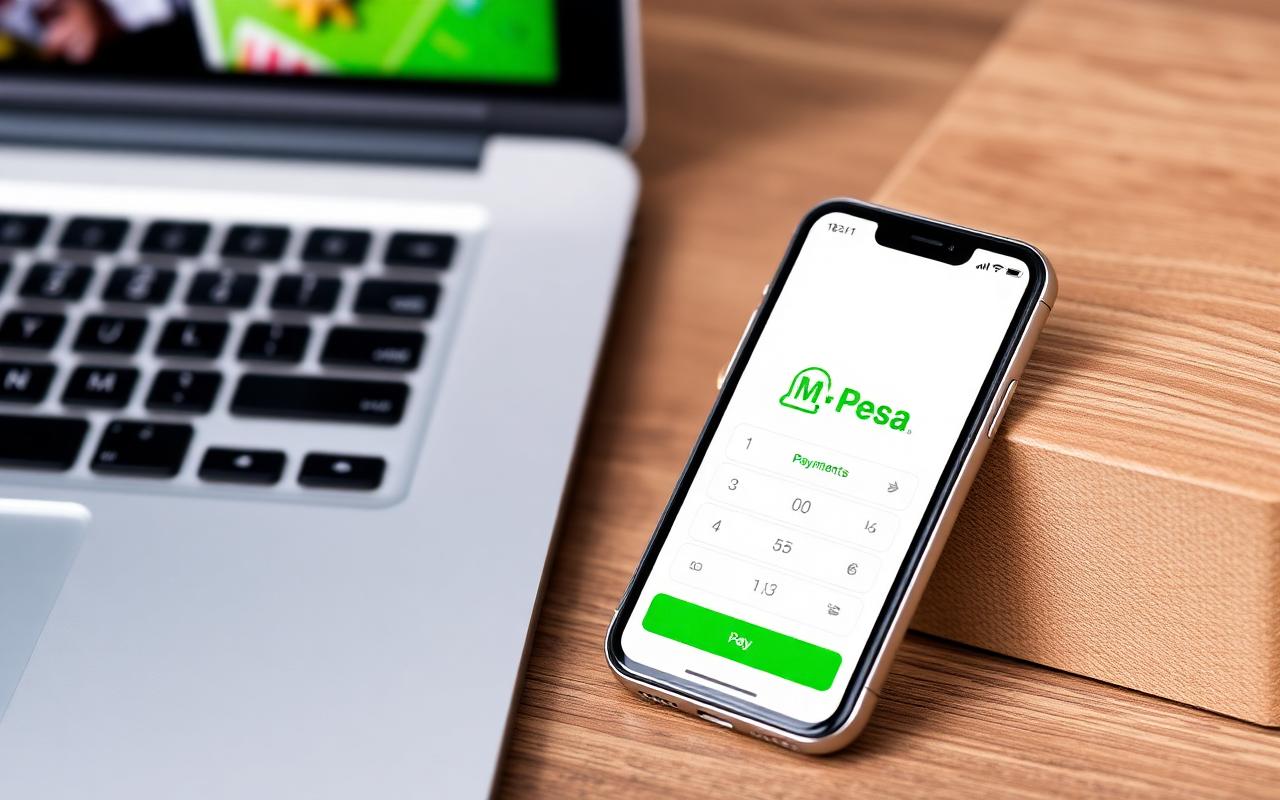
Under Payment Method, select M-Pesa. Confirm that the phone number on file is the Safaricom line you want to pay from. Click Place Order. Within a few seconds, an STK push will pop up on your phone asking you to enter your M-Pesa PIN. Enter it and tap OK — that is it.
Step 4: Get your confirmation
You will receive two messages almost immediately:
- An M-Pesa SMS confirming the payment.
- An order confirmation email and dashboard notification from Fahavi Computers.
Your order is now in the queue and our team begins preparing it for dispatch.
Manual Paybill (backup)
If the STK push does not arrive (rare, usually due to network), you can pay manually:
- Go to Lipa na M-Pesa → Paybill on your phone.
- Enter our Paybill number shown on the checkout page.
- Use your Order Number as the account number.
- Enter the exact amount and confirm.
Send us a screenshot on WhatsApp and we will reconcile the payment within minutes.
Is it safe?
Yes. M-Pesa STK push is processed directly by Safaricom — we never see your PIN. We also issue a tax-compliant invoice and warranty card with every order so you have full proof of purchase.
Need help?
If anything goes wrong during checkout, message us on WhatsApp at 0720 635023. Our team is online from 8 AM to 8 PM daily and will happily walk you through the payment.